Now on Google Play
Plan better.
Plan better.
Live better.
Plans, routines, notes and goals — your whole day in one beautiful planner.
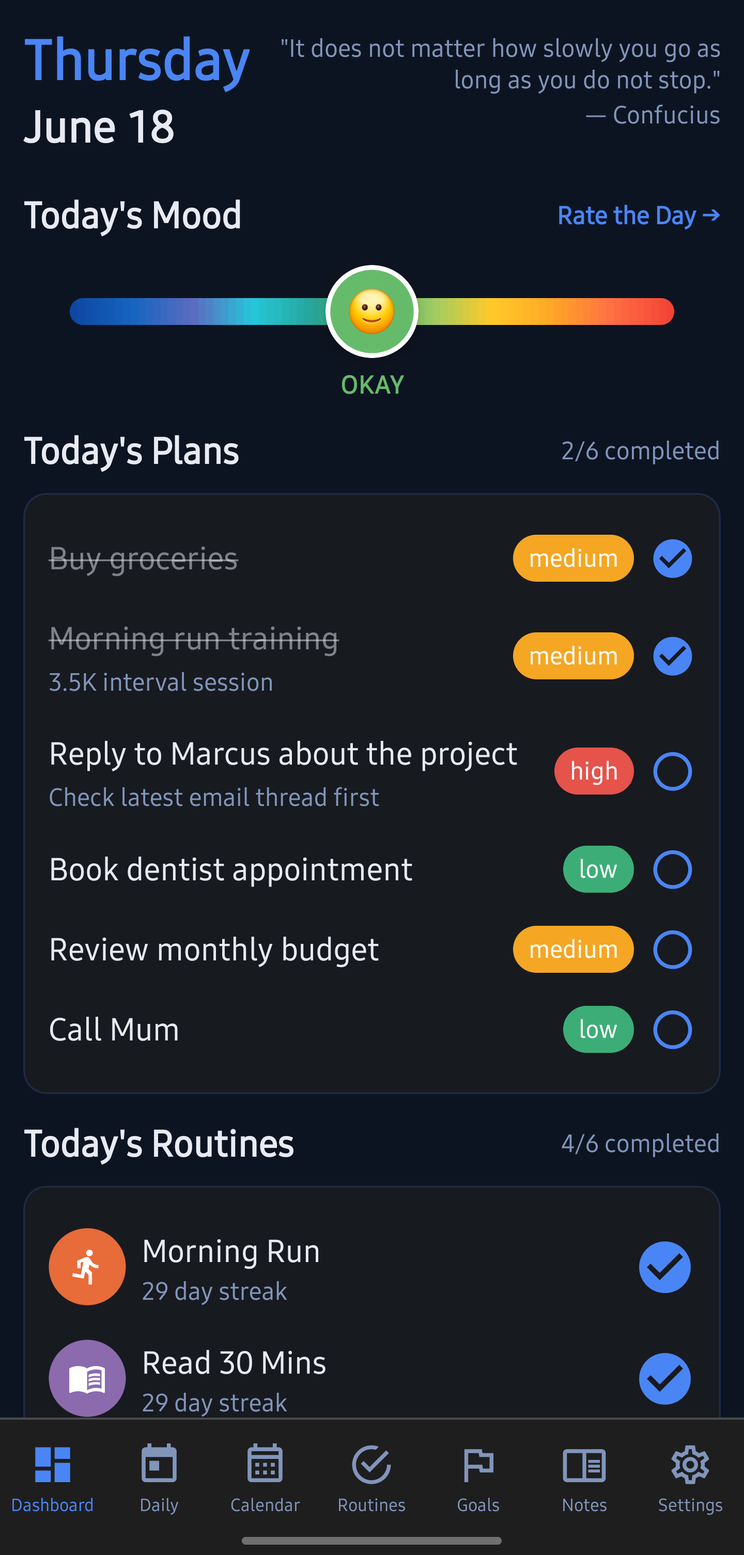
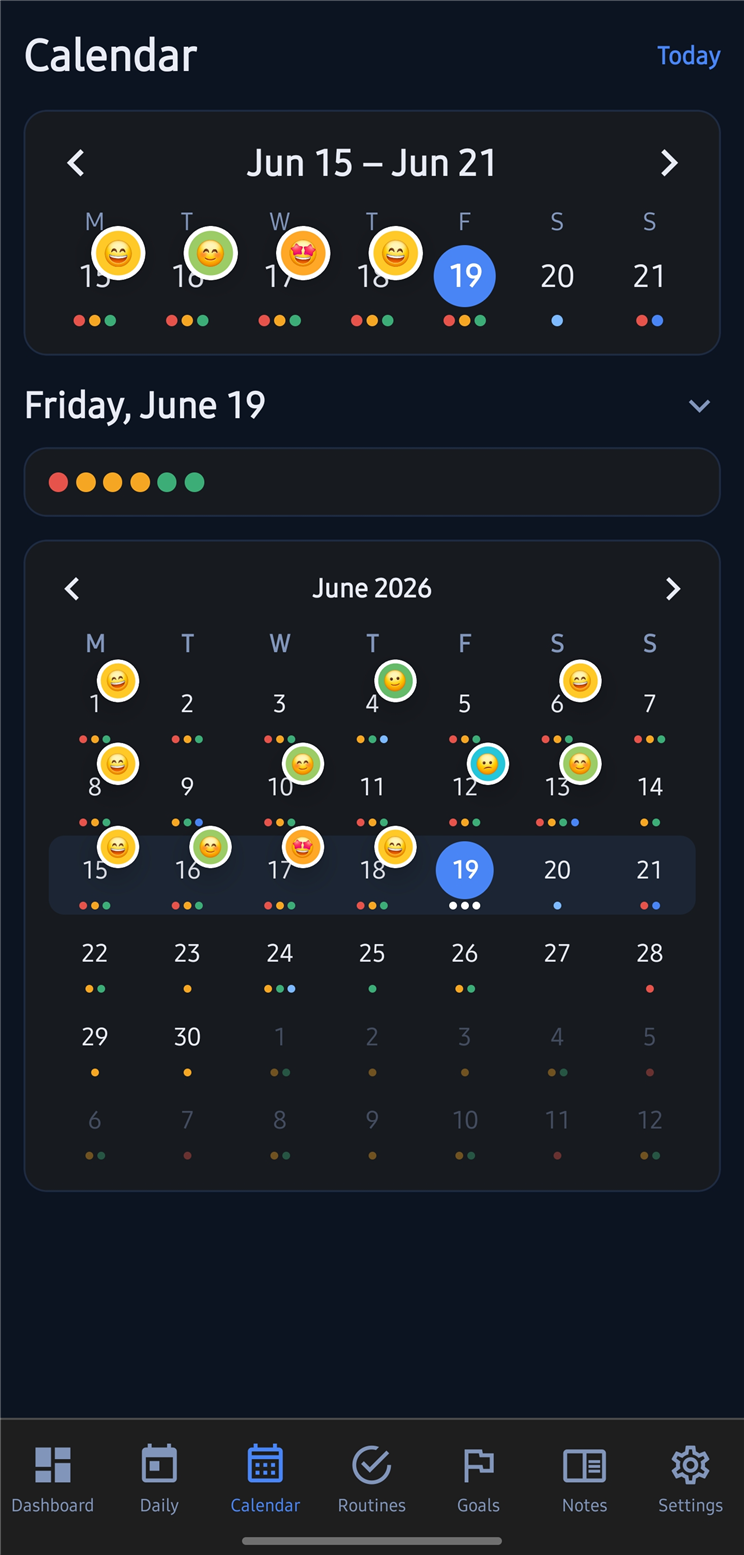
Plans, routines, notes and goals — your whole day in one beautiful planner.
Everything you need to organise your day, build better habits, and work towards your goals.
Organise daily tasks with priorities, due times, and colour-coded categories. Check off what matters.
Build lasting habits with streaks, custom icons, and flexible daily or weekly schedules.
Set meaningful goals, break them into milestones, and track your progress step by step.
A rich text journal with tags, mood tracking, attachments, and instant search.
Google Calendar integration shows your events alongside your plans and tasks in one unified view.
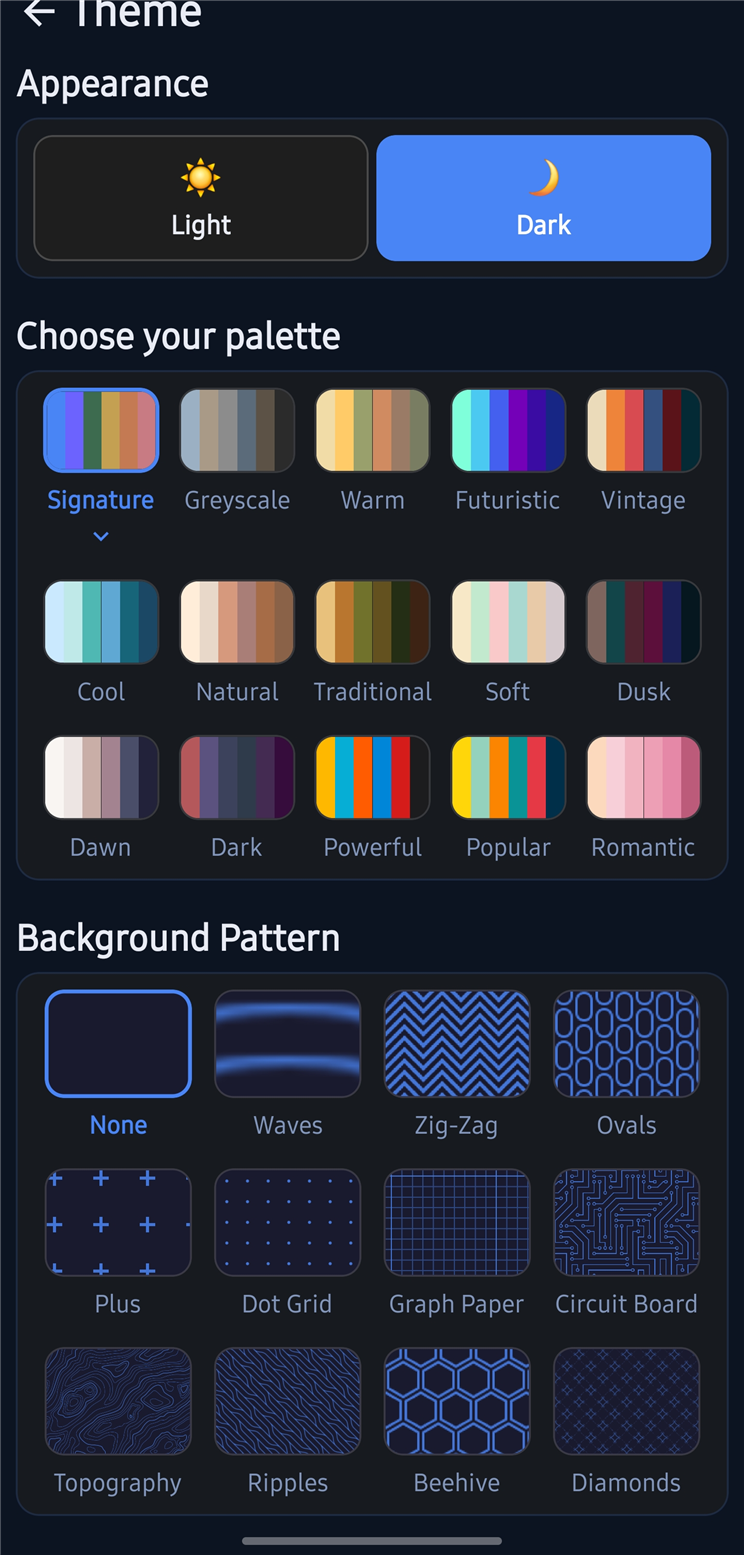
90 accent colours, 9 background patterns, dark and light modes. Make it uniquely yours.
Plans and Routines give you a clear picture of what needs to happen today. Set priorities, due times, and track streaks so nothing slips through the cracks.
Daily PlansHabit StreaksPriority Levels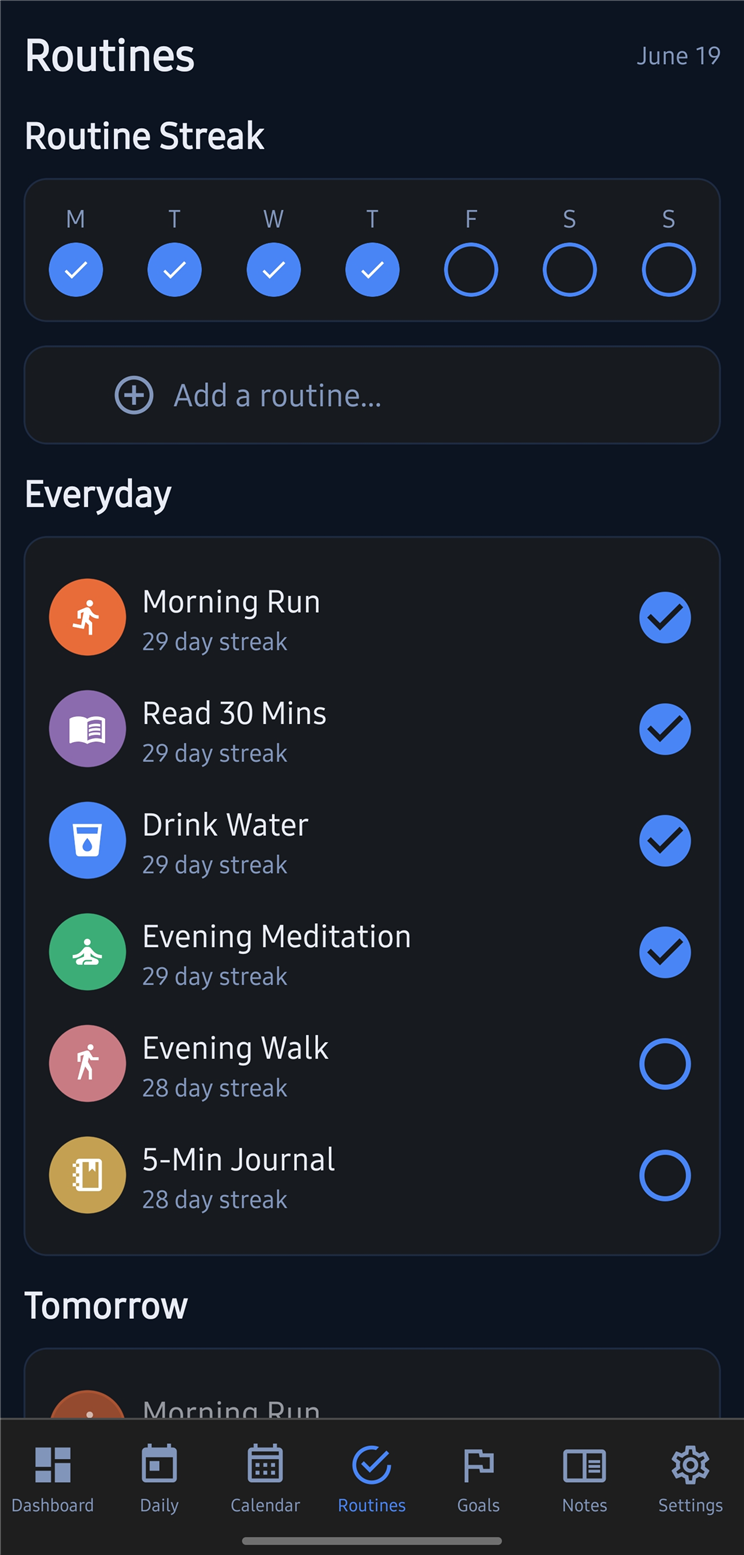
The Notes tab is a full rich text journal — write freely, tag entries, log your mood, and pin the things you want to find again fast.
Rich TextMood TrackingExport to .docx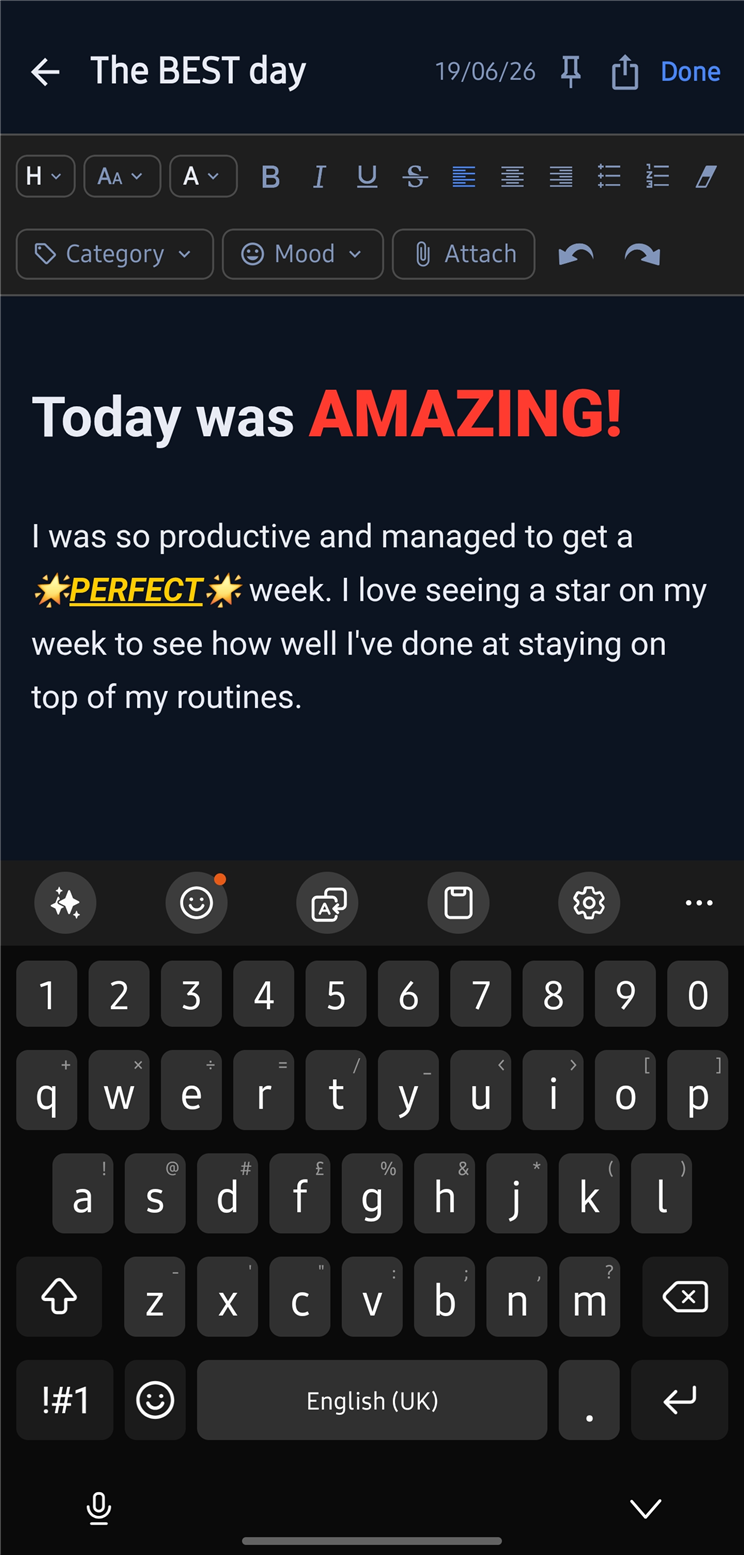
Break big goals into milestones and watch your progress grow. The Dashboard gives you an at-a-glance view of everything in motion.
MilestonesProgress TrackingDashboard Overview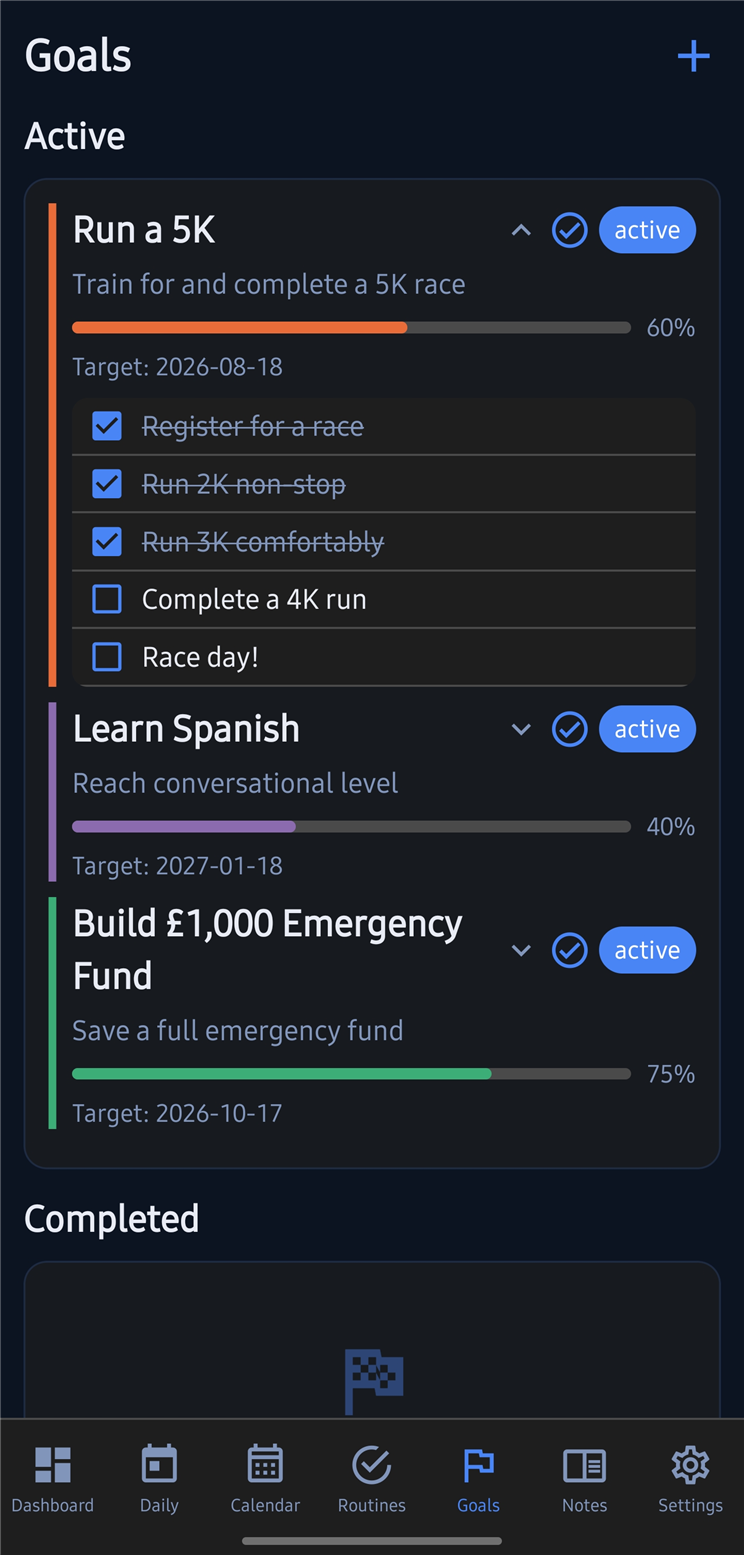
Watch how Workflow Studio Hub brings your plans, routines, notes and goals together in one clean, customisable planner — see how it all flows.
More on YouTubeTry it — pick a colour and pattern to see the app transform live.
Everything you need to know before downloading.
Workflow Studio Hub is a personal productivity app for Android that brings your daily plans, habit routines, goals, rich text notes, and Google Calendar into one beautifully designed app. It's built to give you a complete picture of your day — without juggling five separate tools.
£2 as a one-time purchase. No subscription, no in-app purchases, no ads. You pay once and own it.
Yes — all your data is stored locally on your device. Plans, Routines, Goals, and Notes all work completely offline. Google Calendar sync requires an internet connection, but everything else is available anytime.
Go to Settings → Integrations and sign in with your Google account. Your events — including holiday calendars and any other Google Calendars you subscribe to — will appear on the Calendar tab alongside your plans and tasks.
Yes. Go to Settings → Data → Backup to Drive to save a snapshot to your Google Drive. You can restore from any previous backup at any time. Your theme, settings, and all content are included in the backup.
Very. Choose from 15 palettes with 6 accent colours each (90 combinations), 9 background patterns, dark or light mode, 6 font families, adjustable text size and spacing, and a fully custom colour palette where you pick any colour you want using an HSV picker.
Yes — a web version of Workflow Studio Hub is in development. For updates, follow @WorkflowStudioHub on YouTube or Instagram.
Have a question or need help? We'd love to hear from you.
workflowstudiohub.support@gmail.com
Download Workflow Studio Hub and take control of your day.
£2 · One-time purchase · No subscription